


A Crypto Bot Froze the Account: First Steps Without Extra Payments
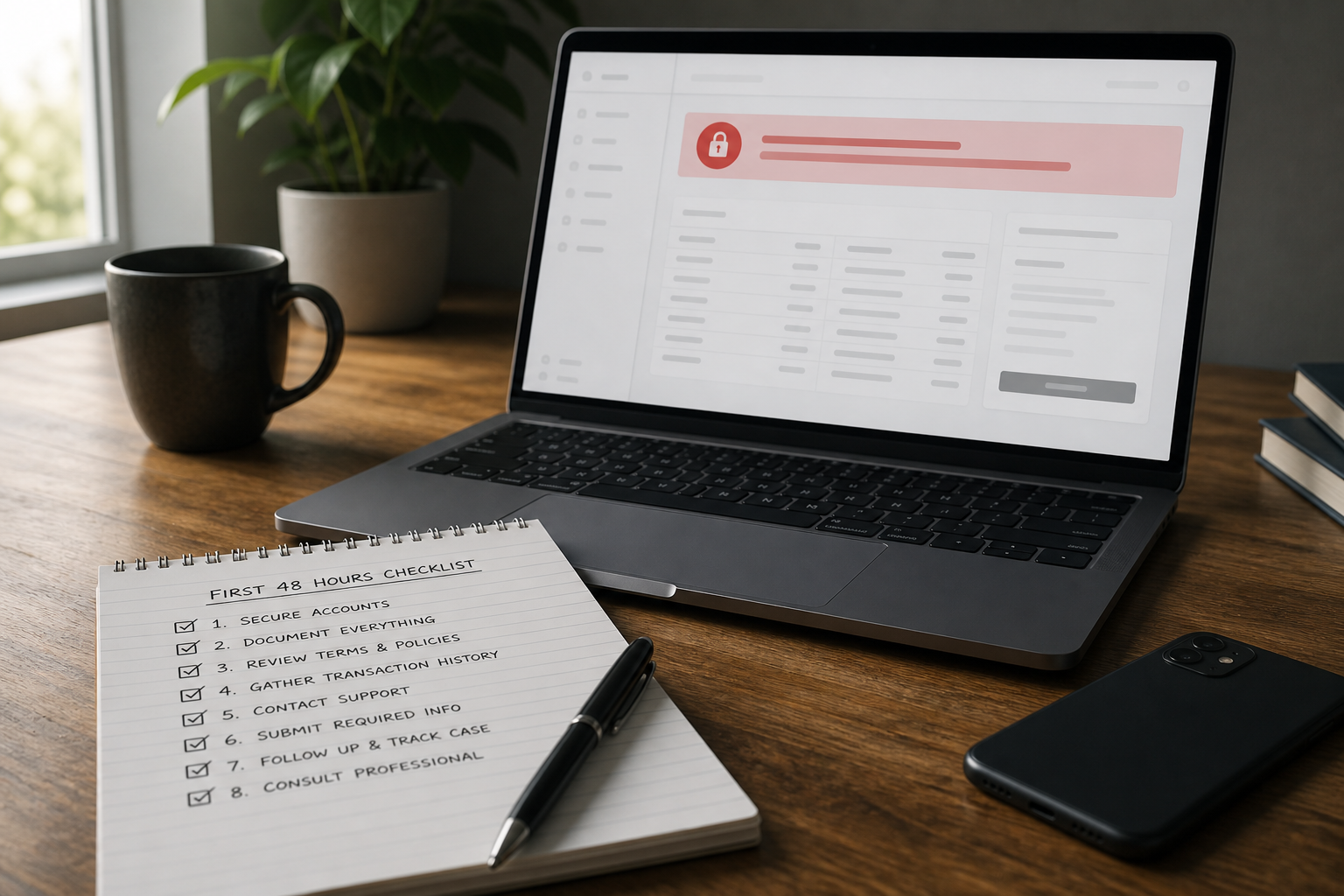
If a crypto bot froze the account, classify the scene first: a messenger scam bot, a real OTC bot paused for KYC/AML, or a restriction on the exchange the bot talks to over API. An extra payment to "unlock" is almost never a support path. If the pause is at a live venue, see exchange account unfreezing.
Three different bots, one complaint
The phrase "the bot froze withdrawals" hides different mechanisms. First: an investment bot in Telegram or on a new website that shows a rising balance and then stops withdrawals. Second: a real OTC desk or gateway that paused a trade for KYC, SoF, or counterparty risk. Third: a trading bot with API access to a large exchange — the freeze sits in the exchange account; the bot is only a mirror.
A scam is recognizable by the extra payment: a tax, insurance, a "network fee," a verification deposit to "open withdrawals." A legitimate venue does not take a separate crypto payment to a manager's card for the right to retrieve funds already deposited. A cash desk that feeds on deposits and disappears is covered in fake crypto exchange. The general checklist after a scam is in crypto scam: what to do.
A real OTC bot and an exchange run the review through an official cabinet, a contract, or a ticket — not through a new operator in direct messages. If an API bot "goes silent," open the exchange itself: a withdrawal restriction is often already visible there. That is not a bot repair; it is an account pause — see frozen crypto: what to do.
First steps: no extra unlock payment
- Stop any extra payments for an "unlock," "tax," "gas," or "insurance" until you can show they go to an official account at a live venue.
- Save URLs, handles, chat logs, balance screenshots, every outgoing TxID, networks, and the addresses you sent to.
- Separate where the funds went: to a bot address, to OTC details under a contract, or to your own exchange account via API.
- If you have a large-exchange account, read the status there, not in the bot chat; tickets go only to the official channel.
- Do not give a seed phrase, withdrawal-enabled API keys, or 2FA to "bot support."
- Do not install APKs or recovery bots from search.
Classification decides the route. If this is a restriction on a live exchange or OTC with a contract, assemble one package for the venue's request and use exchange account unfreezing. If this is a storefront with no legal entity and a demand for a new payment, stop the loss and preserve evidence — there is no ticket "into nowhere." Recovery of funds already sent is not promised in any of the three classes.
How to tell a pause from a scheme
An outage at a live service is usually widespread, announced on an official channel, and not "cured" by your new deposit. A scam is targeted: the freeze hits people withdrawing above a small amount, support feeds the next payment, the domain is new, licences do not check out. The grey layer is an unfamiliar OTC bot: if there is a contract, identification, and a company account, the pause may be a real risk review; if there is only a chat and a yield promise, it is closer to a storefront.
| Signal | Live venue / OTC | Scam bot |
|---|---|---|
| Extra payment to withdraw funds already deposited | No | Typical hook |
| Review channel | Cabinet, ticket, contract | A new "manager" in DMs |
| Trail of funds | Exchange deposit or contracted account | An address from chat |
| Pressure that "the window closes today" | A calm document package | Stop, preserve evidence |
Even at a live exchange, the outcome of a pause is not guaranteed: the venue may request SoF, extend the review, or refuse. On a scam bot, an extra payment does not bring a withdrawal closer. If the funds already left for someone else's address, the next step is a TxID package and a trail assessment — with no promise of a freeze. Examples without guaranteed outcomes are in case studies.
What not to do
- Do not pay a "profit tax," "insurance deposit," or "unlock fee" in crypto to a new address.
- Do not confuse an API bot with a cash desk: you need the exchange status, not bot settings from a chat script.
- Do not delete the chat or cabinet until screenshots and TxIDs are saved.
- Do not feed a second recovery agent who wants an up-front fee.
Do not spend the window arguing in the bot's comments. Stop extra payments and classify first. If the facts point to a live venue, one ticket. If they point to a storefront, preserve evidence and refuse new payments — do not hunt for a secret unlock command.
Risks and limitations
- An extra payment to "unlock" almost always increases the loss and does not open withdrawals.
- Recovery from a scam bot is not guaranteed even if the address is visible on-chain.
- A pause at a live exchange or OTC is the venue's decision, not your SLA.
- Handing a seed phrase or a withdrawal-enabled API key to "bot support" can empty a linked account.
- Silence after a freeze may be a disappearing venue rather than a technical outage.
Sources used
- FBI IC3 — Investment fraud (including crypto investment schemes)
- FBI IC3 PSA — false cryptocurrency recovery services (up-front fee schemes)
- FTC — What to do if you were scammed
- DefCrypt exchange-unfreeze practices for bot, OTC, and API-linked pauses (anonymized)