


Crypto Account Frozen: A 48-Hour Checklist
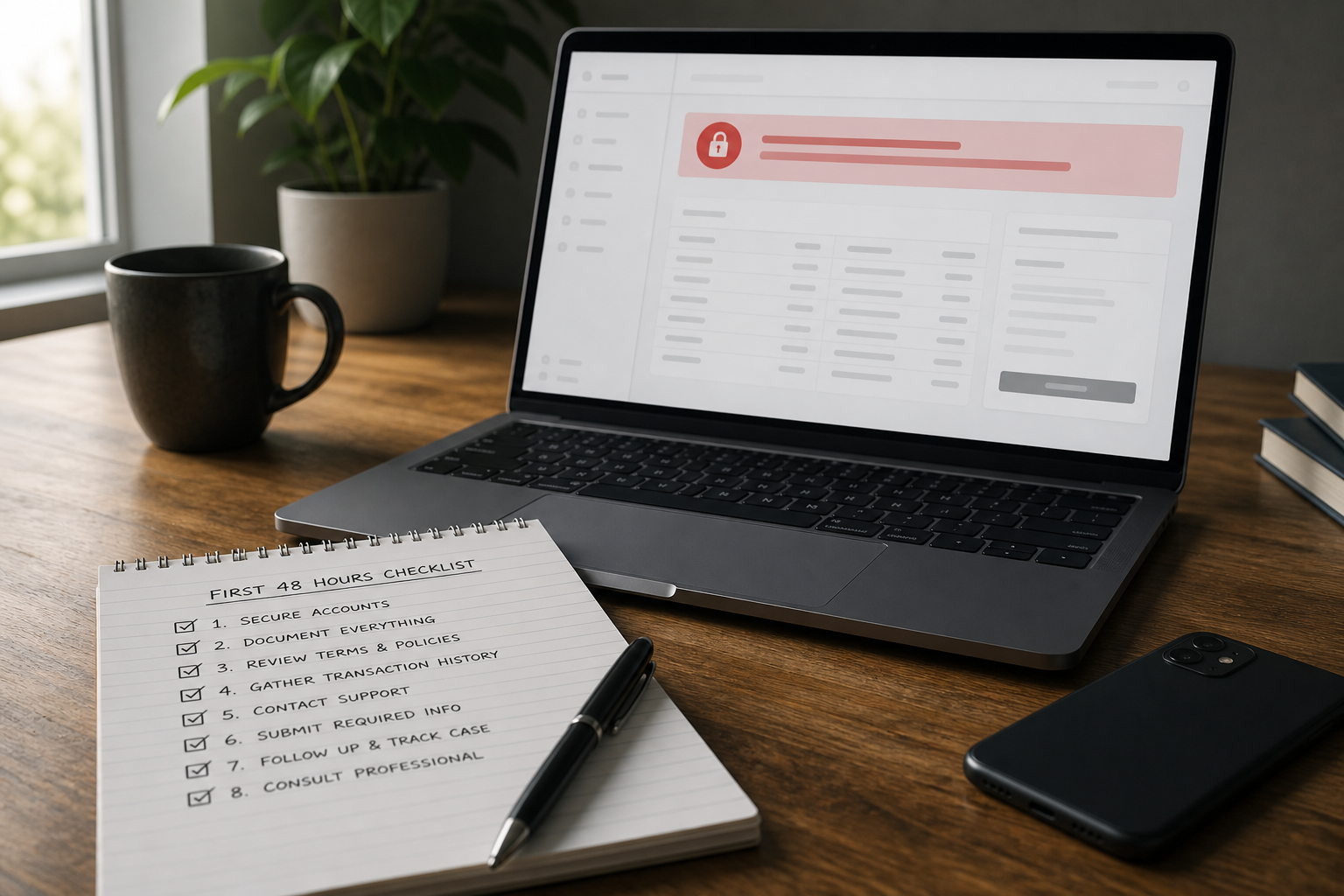
If your crypto or exchange account has been frozen, facts and one coherent response matter most during the first 48 hours—not panic and a dozen tickets. Record the status and message, prepare a package for the specific request (AML, KYC, or SoF), do not change your apparent location with a VPN, and do not open a second account. See the top reasons for exchange freezes for context and exchange account unfreezing for the practical route.
Identify what you see before acting
This article concerns a restriction on an exchange account: withdrawals may be disabled, trading limited, or the account placed under manual review. It is not theft from a self-custody wallet or a network transaction stuck in transit. The assets usually remain in the exchange account while the platform completes its review. During the first two days, identify the type of restriction and answer the request instead of restating general reasons accounts may be frozen.
Use the status in your account and the message from the platform, not advice from chats. There may already be a request for additional information: identity verification (KYC), Source of Funds (SoF), an AML review of a deposit, or a P2P dispute. See reasons exchange accounts are frozen for common triggers; the steps below focus on what to do next.
The first 48 hours: checklist
- Sign in only through the official website or app. Save a screenshot of the status, the notification text, and the ticket number.
- Check the account email and in-app messages; they often contain the document list.
- Classify the restriction from its wording: a security hold after a 2FA or password change, KYC, SoF, an AML review of a deposit, or a P2P dispute.
- Prepare one evidence package tailored to that request, without unrelated files "just in case."
- Submit the complete package through the official channel and record the submission date.
- Never share a seed phrase, private keys, or 2FA codes.
The first day is often for collecting evidence, not escalation. While the package is incomplete, repeated demands to "unfreeze it urgently" rarely move a manual-review queue faster and may fragment the case timeline. For platform-specific withdrawal guidance, see Bybit: first steps after a withdrawal freeze.
An AML package: build a factual timeline
In one document, list the date and amount of the latest deposit or withdrawal, the TxIDs of incoming transfers, the sender's address, the transaction context (P2P, OTC, or a transfer from another exchange), exactly what the platform wrote, and when it wrote it. This timeline can support both the risk-review response and any later escalation. Without it, the correspondence can appear disorganized.
When an account is restricted for an AML review, the exchange is usually examining the origin of a particular amount or counterparty, not your reputation in general. The amounts and sources must connect coherently: bank statements, trading history, evidence of an asset sale, or identifiable OTC records. See Source of Funds for guidance on documenting the chain.
Do not wait for support to provide perfect wording. The account status and the platform's message are the primary sources. Generic "unfreezing" templates from Telegram rarely match the current request from a specific exchange.
What not to do: duplicate tickets, VPNs, and second accounts
- Do not open several parallel tickets for one restriction; the case can become fragmented and its timeline harder to follow.
- Do not enable a VPN to appear to be in another country or abruptly change location or device during an AML review.
- Do not open a second account to withdraw something or route assets through friends; that creates another transaction chain to explain.
- Do not lead the first response with urgency, litigation threats, or template letters that contain no facts.
Keep one ticket number and add documents to that case. A calm timeline and a complete package tailored to the request are more useful than a stream of short follow-ups. More analysis is available in the blog.
When escalation may be appropriate
Escalation may be appropriate after a complete initial package has been submitted and the exchange has clearly rejected it, or after a period of silence longer than the support team's usual response time. It is not a substitute for collecting facts. An assessment can identify the next route: revising the documents, escalating with the exchange, analyzing the counterparty's transaction chain, or another scenario.
The outcome is not guaranteed; it depends on the platform's policy, the quality of the evidence, and the type of restriction. If there is also a risk of continuing unauthorized transfers from an external wallet, that is a separate track; see emergency response. For an exchange restriction, see exchange account unfreezing and the success-fee assessment.
Risks and limitations
- There is no guarantee of unfreezing or a specific timeline; the outcome depends on exchange policy and the quality of the evidence.
- This article is a practical checklist, not legal advice for a particular jurisdiction.
- Duplicate tickets, VPN use, and a second account can make the AML picture harder to explain.
- Sharing a seed phrase, passwords, or 2FA codes with third parties creates a risk of losing all assets.
- Help-center wording and response times change; rely on the current request shown in your account.