


Crypto Stolen Through a Browser Extension: First-Hour Steps
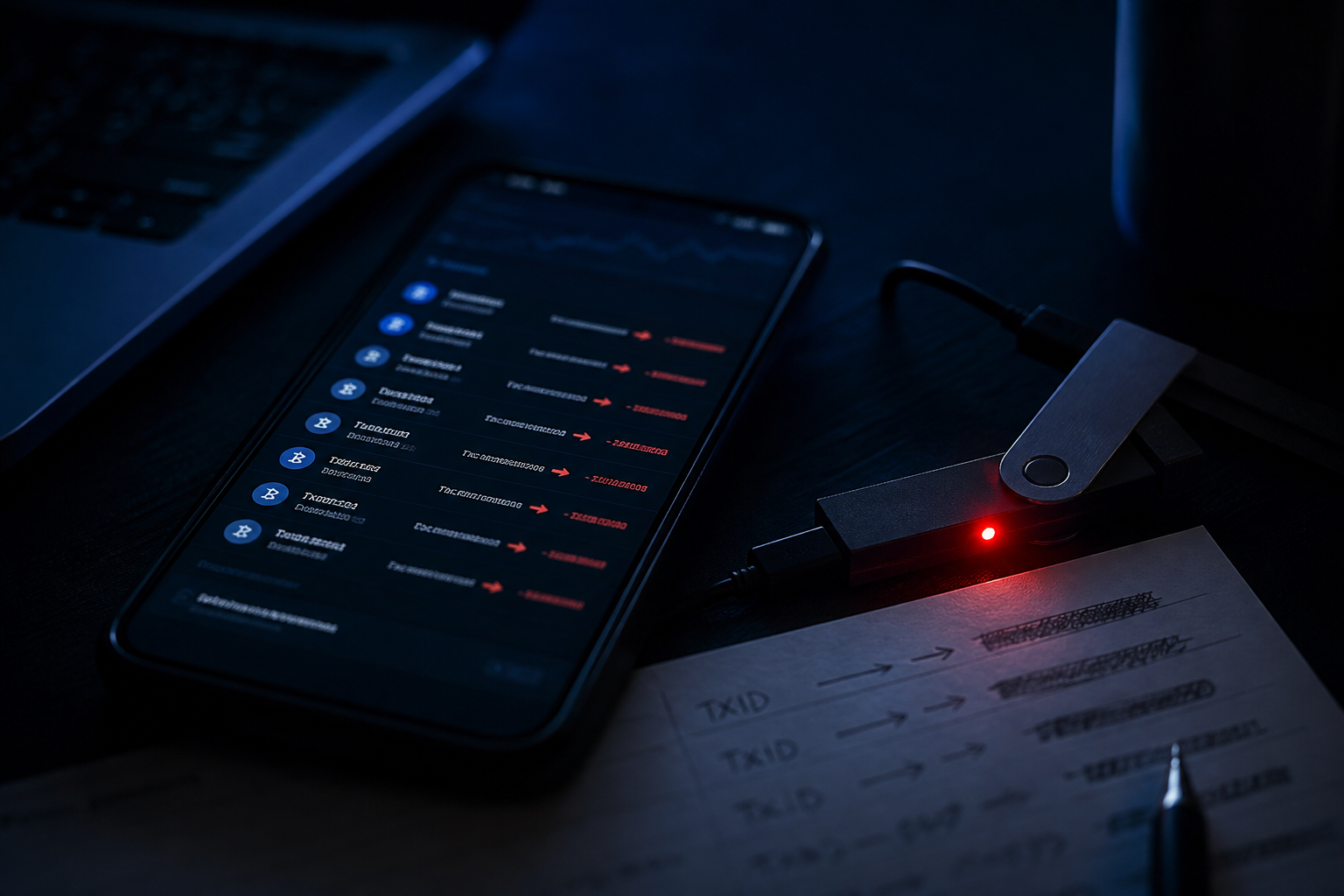
If crypto was stolen through a browser extension, isolate the profile in the first hour, preserve the extension ID and outgoing TxIDs, then move what remains to a new wallet on a clean device—not the same Chrome profile. A clipboard address swap or injected script is not the same as seed phishing. For a calm next step, see emergency response.
This is not seed phishing—it is a different mechanism
A malicious extension runs inside the browser and can see pages, the clipboard, and sometimes keystrokes. Typical impacts include swapping the pasted destination address, silently changing the amount or recipient on the confirmation screen, or attaching a dangerous approve to a signature you intended to make. You may honestly click send while the chain records a destination you did not copy from your own notes.
That is not the scenario where you typed a seed phrase into a fake website. If you ever entered a seed in the same browser while untrusted extensions were installed, treat the keys as compromised and do not reuse the old address. For a broader access-compromise walkthrough, see what to do if a crypto wallet is hacked. If tokens are also leaving through a contract allowance, follow the first hour after a malicious approve.
A direct sign of clipboard swapping: the explorer destination does not match the address you copied from a trusted source, even if the start and end of the string look similar at a glance. Unauthorized outgoing transfers with no click from you are closer to a stolen key than to a single malicious extension—use the checklist in crypto stolen from a wallet.
First hour: checklist
- Open the browser extension manager and do not remove extensions yet: screenshot the list, install dates, permissions (such as read data on all sites), and each extension ID.
- Disable every extension in that profile and quit the browser. Do not create a new wallet or enter a seed phrase in the same profile.
- On another device or a clean profile with no third-party extensions, create a new wallet and write the phrase offline.
- Record outgoing TxIDs, networks, destination addresses, and block times as explorer screenshots plus a text list.
- Move remaining assets to the new address, starting with the most liquid. Do not send extra gas to an address that is already being emptied if incoming gas leaves immediately.
- Change email and exchange passwords from a clean device and enable 2FA if it was missing.
Isolating the profile stops the extension from swapping further pastes and from capturing the new wallet seed. Deleting extensions before screenshots erases the ID you later need for a report and a technical review. If a balance remains, the window can close quickly—close the hole first, then hand the TxID package to blockchain analytics.
What to preserve: extension ID and the trail
The package for analytics and platforms: outgoing TxIDs, the source address, destination addresses, networks, a screenshot of the extension manager with visible IDs, names and install dates, the URL of the page used to install the extension, and browser history around the time of the transfer. Compare the full destination address with a copy stored outside the browser—not only the first and last characters.
| Objective | Realistic in the first hour |
|---|---|
| Stop further swaps | Another device or a clean profile |
| Evidence package | TxIDs, extension IDs, permission screenshots |
| Freeze at an exchange | Only while assets remain in a platform account |
| Recover what already left | Not guaranteed |
If part of the funds already sits at an exchange deposit address, it is reasonable to review case studies and the exchange-engagement path in parallel—but not from the infected profile. Recovery of assets that already left is not promised: it depends on the route and whether the exchange still sees the deposit.
What not to do in the same browser
- Do not enter a seed phrase or wallet password in the profile that hosted the suspect extension.
- Do not install "cleaners," "anti-theft" tools, or "recovery bots" advertised for extension theft.
- Do not reuse the old address for new deposits until it is clear whether the seed leaked.
- Do not test the clipboard by pasting addresses for large transfers in the same window—use a draft on another device.
Do not spend the first hour arguing in Chrome Web Store comments. Isolate the profile, preserve the ID, and move the remainder. An assessment without a miracle promise is through emergency response.
Risks and limitations
- If a seed phrase was typed in the infected browser, removing extensions does not revoke the attacker's access to the old address.
- Deleting extensions before screenshots removes identifiers and permission evidence from the investigation.
- A new wallet created in the same profile can be captured by the same extension.
- Assets that already left the address may be moved farther along the chain; recovery is not guaranteed.
- Fake "helpers" and "recovery" extensions can take whatever balance remains.
Sources used
- Google Chrome Help — Manage your extensions
- MetaMask Help Center — How to install the MetaMask extension
- FBI IC3 — Cryptocurrency: what to report after scam or theft
- DefCrypt emergency-response practice for browser-extension compromise (anonymized)